
The landscape of video creation has shifted dramatically as generative video models transition from blurry experimental clips to production-grade commercial assets. Brands and marketers can now generate high-converting video ads, product showcases, and UGC in minutes instead of weeks. However, controlling camera motion, subject consistency, and visual fidelity requires understanding model nuances and mastering precise prompt formulas.
Why Generative AI Video Matters Right Now
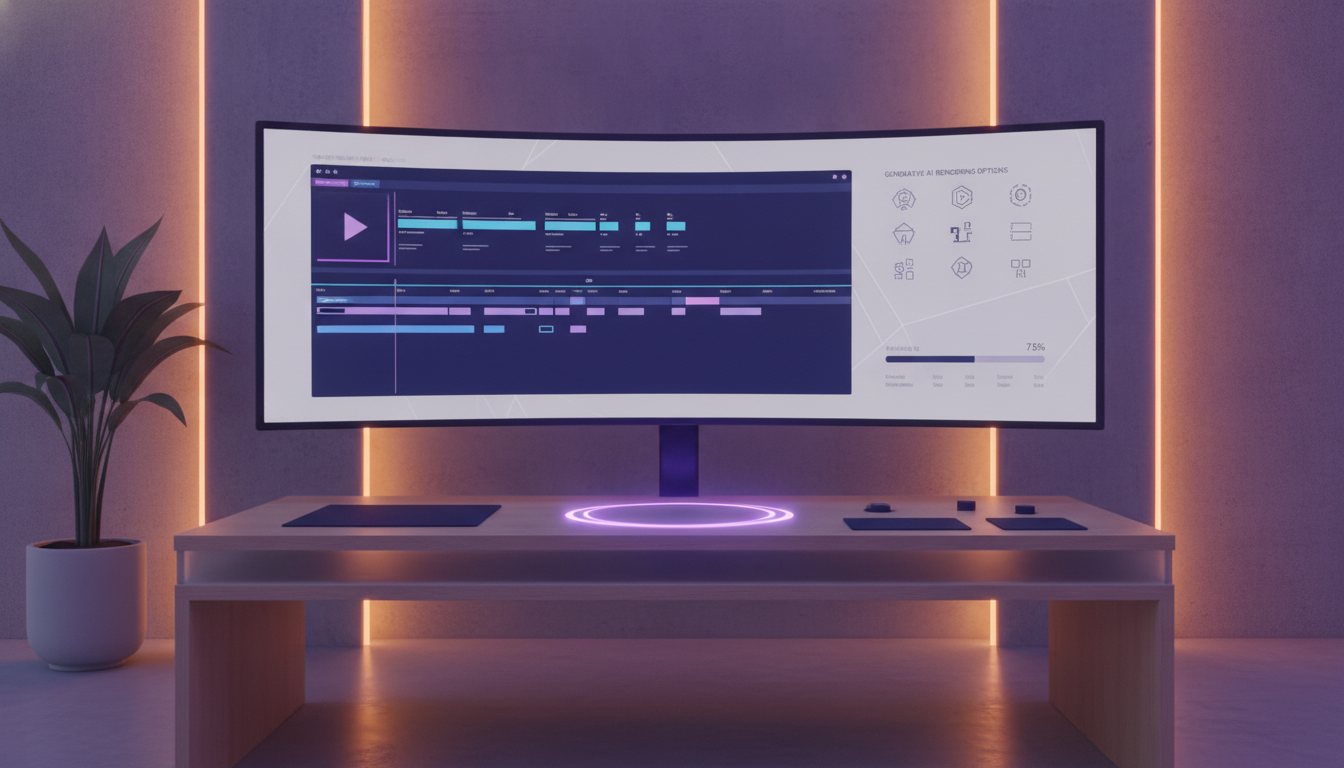
Generative AI video tools have reached a crucial inflection point in visual quality, frame stability, and prompt adherence. Traditional video production often incurs steep budget constraints and slow iteration cycles. Modern AI models eliminate these friction points by turning textual instructions and static image inputs into dynamic, broadcast-ready footage.
Understanding the Leading AI Video Models
Different video models excel at distinct tasks. Choosing the right tool depends on whether you prioritize cinematic lighting, realistic camera motion, or character consistency.
Top Video Generation Engines
- Runway Gen-3 Alpha: Best for cinematic shots, complex camera movements, and photorealistic lighting control.
- Kling AI: Exceptional at realistic human physics, long-form motion coherence, and natural facial expressions.
- Luma Dream Machine: High-speed generation with strong camera trajectory adherence and dynamic lighting.
Prompt Engineering Strategy for AI Video
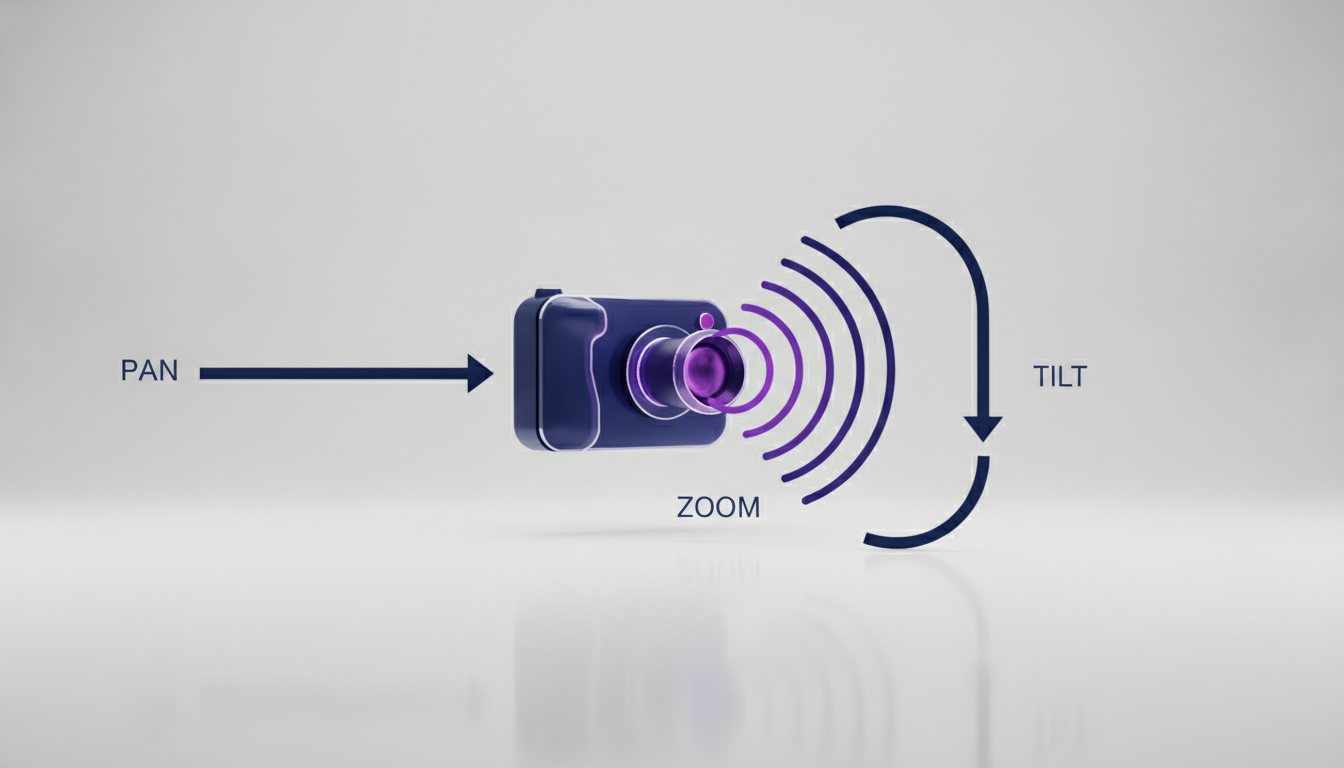
Unlike static image generation, video prompting requires specifying temporal elements like motion speed, camera direction, and lighting shifts over time.
The Core Prompt Anatomy
- Subject & Action: Define who or what is moving clearly (e.g., "A young woman smiling as she unboxes a luxury skincare serum").
- Camera Movement: Specify lens action (e.g., "Slow pan right, macro close-up shot, 35mm lens").
- Environment & Lighting: Describe the scene background and mood (e.g., "Sun-drenched marble kitchen counter, soft morning light, hyper-realistic depth of field").
- Style & Motion Speed: Set motion parameters (e.g., "Subtle movement, fluid action, photorealistic 8k commercial quality").
Prompting for video is less about artistic metaphors and more about directing a virtual camera crew with clear technical instructions.
Practical Prompt Examples
Here are ready-to-use prompt patterns optimized for performance marketing and brand content:
- E-commerce Product Hero: Macro shot of a luxury perfume bottle placed on wet black obsidian glass. Water droplets slide down the glass surface in slow motion. Dynamic studio lighting sweep from left to right, cinematic 4k.
- Authentic UGC Style: Handheld smartphone camera angle, medium shot of a casual presenter holding an energy drink in a bright gym setting. Natural smiling expression, realistic ambient background motion.
How to Do It with Covely
Covely unifies top generative video models into a single interface tailored for performance ad creative and brand asset workflows.
- Select Your Base Model: Choose between engines like Runway Gen-3 or Kling depending on your visual goal.
- Input Product Images: Upload your high-resolution product photography to preserve brand identity through image-to-video generation.
- Apply Motion Prompts: Use Covely's structured prompt builder or custom text to define camera angles and movement.
- Iterate and Export: Generate multiple variations, fine-tune pacing, and export platform-ready video formats for Meta, TikTok, or YouTube.
Mastering video prompting allows performance marketing teams to rapidly test ad creative variations at scale without sacrificing visual quality. By combining structured prompts with Covely's multi-model workflow, brands can transform simple product photos into captivating video campaigns within minutes.