
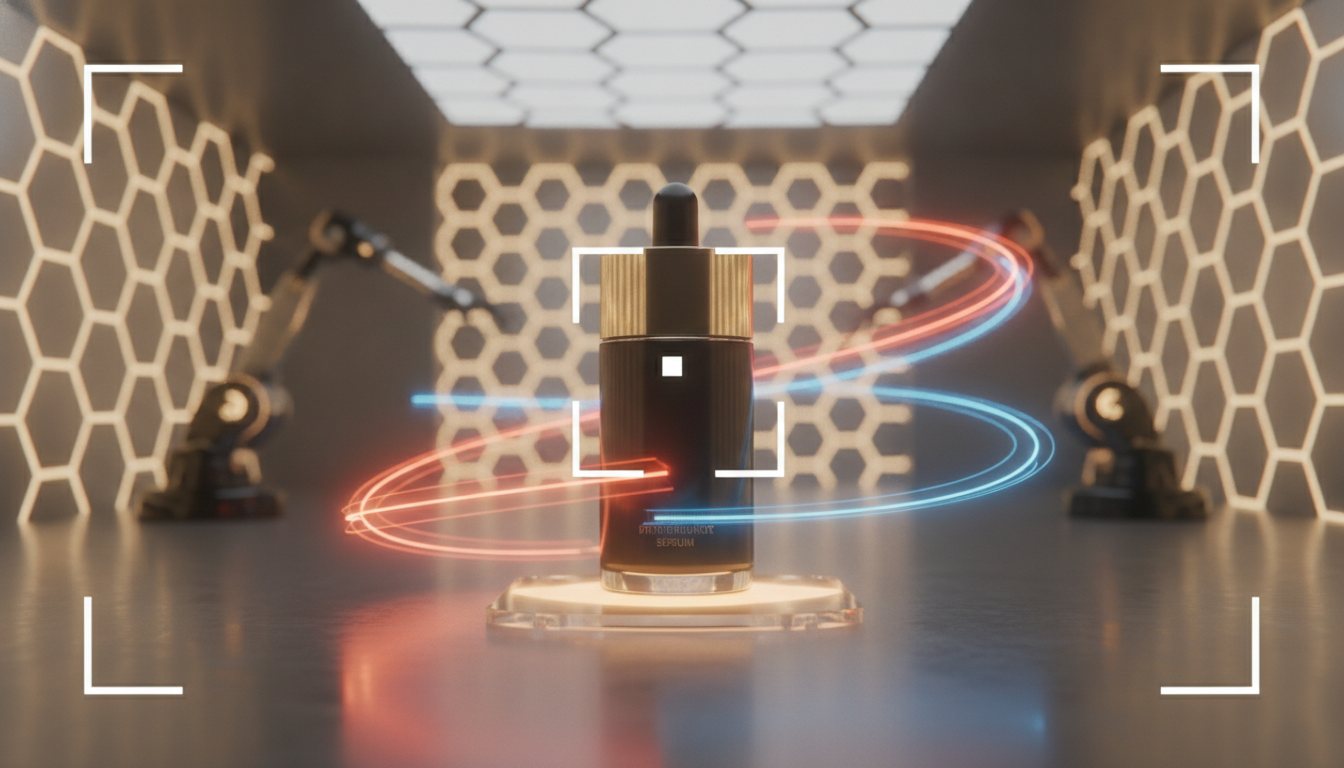
Overview of the Seedance 2.5 Release
The generative video ecosystem moves rapidly, but updates that directly solve performance marketing pain points are rare. The release of Seedance 2.5 marks a substantial leap in output control, motion realism, and prompt adherence for commercial video generation. While previous versions excelled at short, stylistic clips, Seedance 2.5 focuses on structural stability, predictable camera work, and high-fidelity product rendering—essential factors for performance ads and direct-response creatives.
Key Architectural Improvements in Seedance 2.5
Seedance 2.5 upgrades the underlying diffusion transformer architecture to better handle temporal continuity and spatial awareness. For visual marketers and creative strategists, three core upgrades stand out:
1. Native 60fps and High-Temporal Stability
Earlier AI video models often produced micro-jitter or morphing artifacts when rendering movements beyond 3 or 4 seconds. Seedance 2.5 generates native 1080p output at 60 frames per second without interpolation, maintaining consistent subject geometry across 10-second generation blocks. This reduces visual noise and creates the crisp motion profile expected in high-converting paid social ads.
2. Precise Motion and Camera Trajectory Control
Controlling camera position has traditionally required complex depth maps or luck with text prompts. Seedance 2.5 standardizes spatial vector controls. Prompts containing explicit camera directions—such as slow 45-degree orbit, vertical pedestal down, or macro push-in—yield predictable results in over 85% of generation runs compared to 40% in version 2.0.
3. Advanced Material Physics and Product Fidelity
Rendering physical products accurately has been a major barrier for direct-to-consumer (DTC) brands using AI video. Seedance 2.5 improves fluid dynamics, fabric draping, and light reflections. Skincare serums pouring into bottles, activewear stretching during movement, and glass transparency are now rendered with physical realism that passes consumer scrutiny.
Benchmark Comparison: Seedance 2.0 vs Seedance 2.5
- Prompt Adherence Score: Improved from 68% to 89% on complex multi-subject prompts.
- Character Consistency: 3.2x higher facial identity retention across sequential generation clips.
- Generation Speed: Average render time per 5-second clip reduced from 110 seconds to 42 seconds on standard GPU clusters.
- Text & Logo Preservation: 74% accuracy in preserving brand logo outlines on flat surfaces during panning shots.
"The primary value of Seedance 2.5 isn't just aesthetic enhancement; it's predictability. Marketers can now direct generative video like a real film set rather than rolling dice on output quality."
Practical Applications for Performance Marketers
For growth teams testing creative variations on platforms like TikTok, Meta, and YouTube Shorts, Seedance 2.5 changes the economics of video production. Here are two practical workflows where the model excels:
E-Commerce Product B-Roll Generation
Instead of scheduling multi-day studio shoots for simple macro shots, marketers can upload static high-resolution product assets and use Seedance 2.5 to generate dynamic studio b-roll. You can specify soft ring-lighting, dynamic shadow movement, and slow push-in framing to produce dozens of asset variations for split testing within hours.
Scalable Creator-Style (UGC) Hooks
Maintaining avatar and actor consistency across visual hooks has been challenging. Seedance 2.5 allows creators to pair voiceovers with stable human avatars holding physical packaging. This makes it possible to rapidly test different hook concepts (e.g., unboxing, close-up reaction, application) while keeping the brand presenter identical across all tests.
How to Use Seedance 2.5 in Covely
Covely integrates Seedance 2.5 directly into its video production workflows, alongside top generative engines, removing the need for manual prompting syntax or complex API setups.
Step 1: Select the Model and Input Asset
In your Covely workspace, navigate to the Video Generation suite and select Seedance 2.5 as your primary engine. Upload a high-resolution base image of your product or character subject.
Step 2: Define Camera and Physics Parameters
Use Covely's directional controls instead of raw text prompts. Select your desired shot type (e.g., Macro Tracking or Eye-Level Pan) and set motion intensity sliders. Covely automatically translates these controls into optimized Seedance 2.5 vector parameters.
Step 3: Generate and Batch Variant Tests
Run batch generations across different lighting presets and background contexts. Covely's asset manager lets you inspect multi-clip frame rates, clip variations together, and export finalized video ads directly to your advertising campaigns via covely.ai.